Product Details
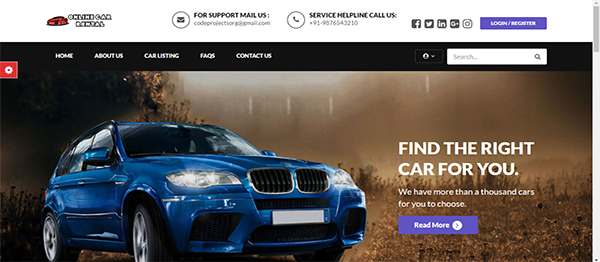
carrentalproject Software
Vendor:
Hallsell product
Category:
Multi type hallsell product
Price:
6,000
In this software Register Users
Anyone can register through the registration page.
After a successful registration user can log in with valid email and password. User can recover own password by providing some registered info.
After successful login user can do the following things–
- Car Booking
- View Car booking history
- Update His/Her profile
- Update his/her password
- Post Testimonials
- View Testimonials
- Logout
Admin
Admin is the superuser of the website who can manage everything on the website. Admin can log in through the login page
Admin Features–
- Admin can create vehicle brands
- Manage Vehicle Brands(Edit, Delete)
- Post Vehicle
- Manage vehicle(Edit,Delete)
- Manage Booking(Admin can confirm and Cancel Booking)
- Manage Testimonials (Active and Inactive)
- Manage to Contact us Query
- Admin Can the details of registered users
- admin can also update the page content
- Admin can update the contact us details
- Manage Subscribers
- Admin Dashboard(Admin can view the count of reg users, total booking, total subscribers, total queries, etc)
- Change Password(admin can change own password)
- logout